HTML to Word Converter
Convert HTML code or files into editable DOCX, DOC, or RTF Word documents in seconds.
Upload HTML File
HTML Code
Document Configuration
Live Preview
Converting HTML into a Word document is quick and effortless with our online tool. There’s no need to waste time manually rewriting content or copying code into Word files. Simply paste your HTML code or upload an HTML file, preview it instantly, and generate an editable Word document in seconds. Our HTML to Word converter works entirely in your browser, delivering fast and accurate results with preserved structure and formatting — all in just a single click.
Turn HTML content into professional, editable Word documents in just a few clicks. Whether you are working with raw HTML code, saved HTML files, or web-based layouts, our tool helps you generate clean and well-structured Word files effortlessly. There’s no need to rely on complex software or manually copy content into Word — everything happens instantly inside your browser.
This HTML to Word converter preserves your document structure, including headings, paragraphs, lists, tables, and basic styling, ensuring that the final Word file closely matches your HTML preview. It works smoothly across different HTML structures, making it ideal for developers, designers, students, educators, and professionals who need editable documents.
Most importantly, you can convert HTML to Word online without worrying about compatibility or formatting issues. The tool supports standard HTML files and inline HTML code, delivering fast and accurate results every time.
How Does the HTML to Word Converter Work?
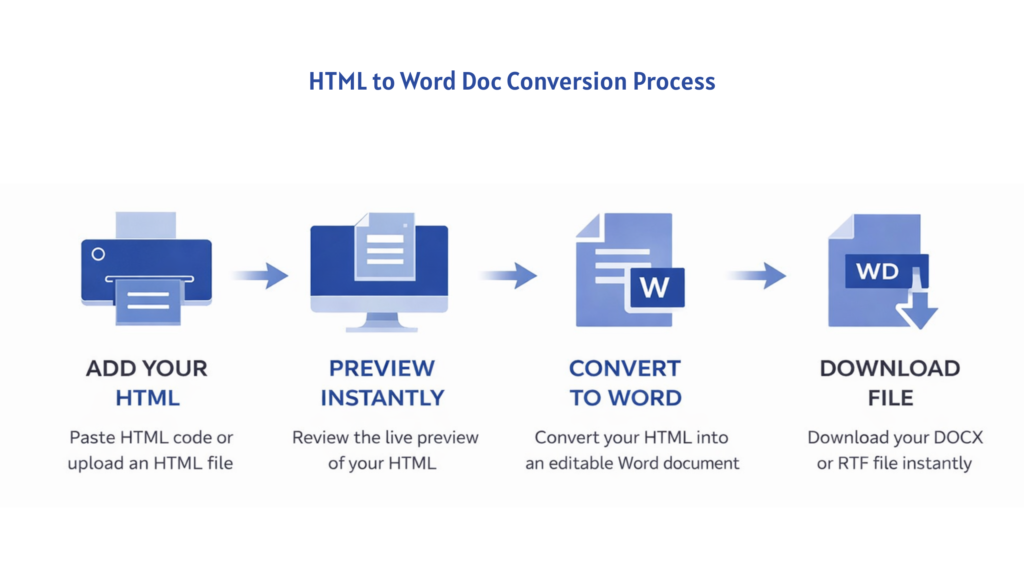
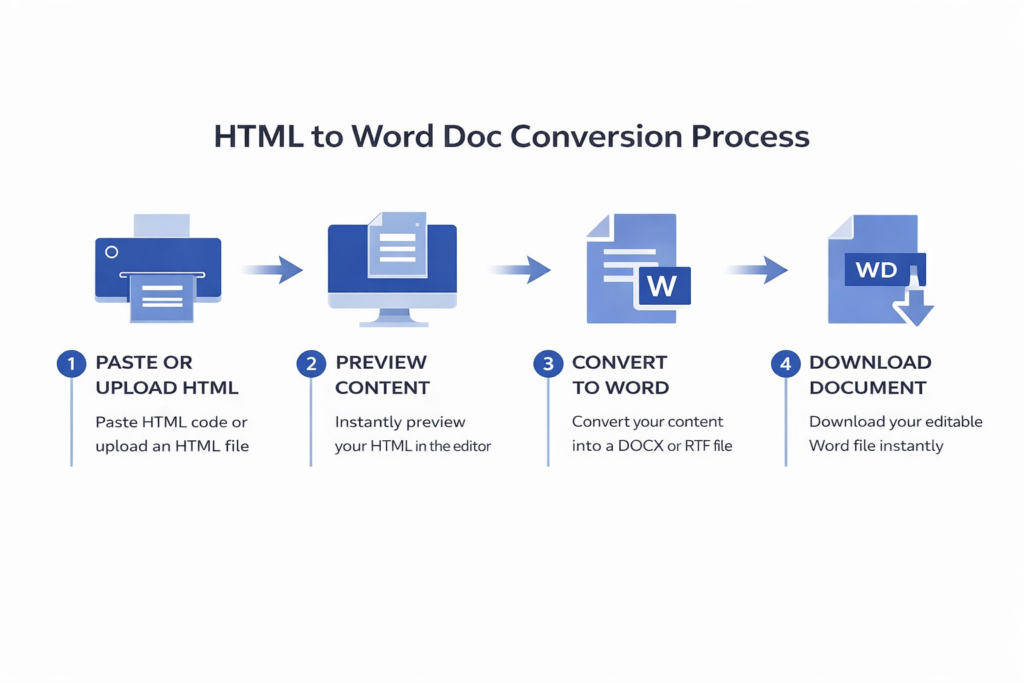
Converting HTML to a Word document is simple and requires no technical setup. Just follow these easy steps:
- Paste your HTML code into the editor or upload an HTML file from your device.
- Instantly preview the rendered HTML to review structure and content.
- Choose the output Word format if available (DOCX or RTF).
- Click the Convert to Word button and download your editable document instantly.
Features – HTML to Word Doc Converter
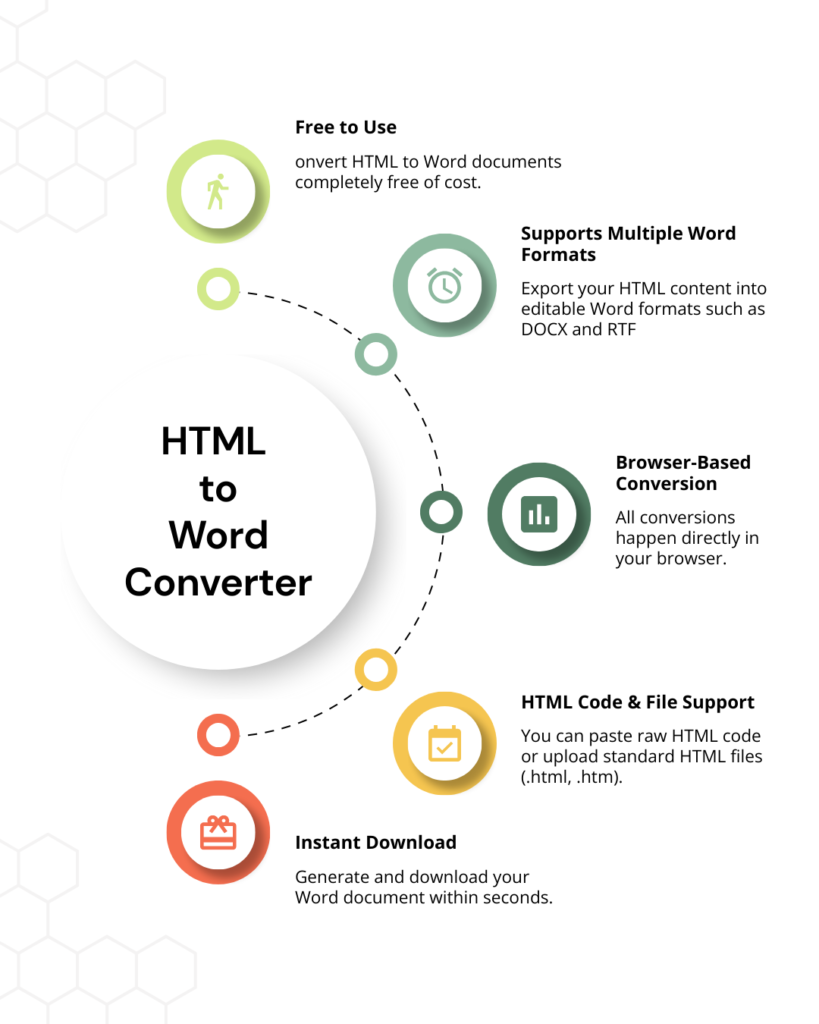
Free to Use
Convert HTML to Word documents completely free of cost. No registration, no sign-up, and no hidden charges – just upload or paste your HTML and convert instantly.
Supports Multiple Word Formats
Export your HTML content into editable Word formats such as DOCX and RTF, ensuring compatibility across Microsoft Word, Google Docs, and other word processors.
Preserves Formatting & Structure
The converter maintains headings, paragraphs, lists, tables, and basic styling, so your Word document looks clean and well-structured after conversion.
HTML Code & File Support
You can paste raw HTML code or upload standard HTML files (.html, .htm). The tool handles both methods seamlessly.
Browser-Based Conversion
All conversions happen directly in your browser. There’s no need to install software or upload files to a server, keeping your data private and secure.
Instant Download
All conversions happen directly in your browser. There’s no need to install software or upload files to a server, keeping your data private and secure.
Where Can You Use an HTML to word Converter?
Office & Business Use
Businesses often work with HTML-based reports, invoices, proposals, and internal documents. With an HTML to Word converter, you can quickly turn those HTML files into editable Word documents for revisions, collaboration, and official use.
Class Notes & Study Material
If your study notes, assignments, or projects are prepared in HTML format, converting them into Word documents makes editing, formatting, and submission much easier. It also helps keep all academic material organized in a familiar document format.
Web Content Editing
Developers, writers, and content managers can convert HTML pages into Word documents for easy editing, proofreading, or content updates. This is useful when repurposing web content for reports, articles, or offline work.
Forms & Templates
HTML-based forms and templates can be converted into Word documents for customization, printing, or distribution. This ensures flexibility while maintaining the original structure of the content.
Collaboration & Sharing
Word documents are widely used for collaboration. By converting HTML to Word, you can easily share editable files via email, cloud storage, or messaging platforms without worrying about formatting issues.
Reports & Written Documents
Reports, articles, and proposals created in HTML can be converted into Word format for final editing, review, or submission. This helps maintain a professional layout while allowing easy content modifications.