HTML File Viewer
Preview HTML files quickly without installing software or uploading files to a server.
Upload HTML File
HTML Editor
Live Preview
Viewing and editing HTML files shouldn’t require complex software or setup. With this HTML File Viewer & Editor, you can open, preview, and modify HTML files directly in your browser. Whether you’re checking code structure, testing layouts, or making quick edits, the tool provides a simple and efficient workspace.
The viewer renders your HTML instantly, allowing you to see how the code behaves visually while editing it side by side. You can upload .html or .htm files, paste HTML code, make changes, and preview the results in real time without switching tools.
Designed for developers, students, and content editors, this tool helps you review and adjust HTML files quickly, without installing any editor or relying on external software. Everything runs securely in your browser for a smooth and distraction-free experience.
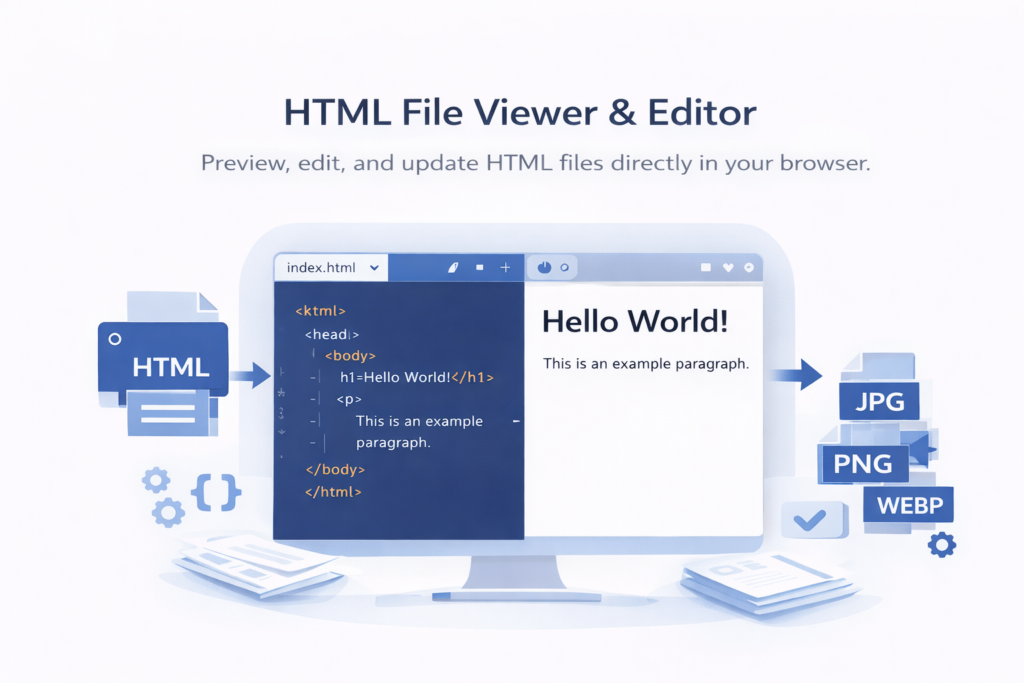
Working with HTML files doesn’t always require a full development environment. Sometimes, you just need a quick way to open, review, and make small edits — and that’s exactly what the HTML File Viewer & Editor is designed for. This tool lets you view and edit HTML code directly in your browser without installing any software or setting up an editor.
The viewer renders your HTML instantly, showing how the code behaves visually while allowing you to edit the markup alongside it. You can upload .html or .htm files, paste HTML code, and see changes reflected in real time. This makes it ideal for quick inspections, testing layouts, learning HTML, or making fast adjustments.
Everything runs locally in your browser, so there’s no need to worry about file compatibility, uploads, or security. Just load your HTML, edit as needed, preview the result, and save your updated file – simple, fast, and distraction-free.
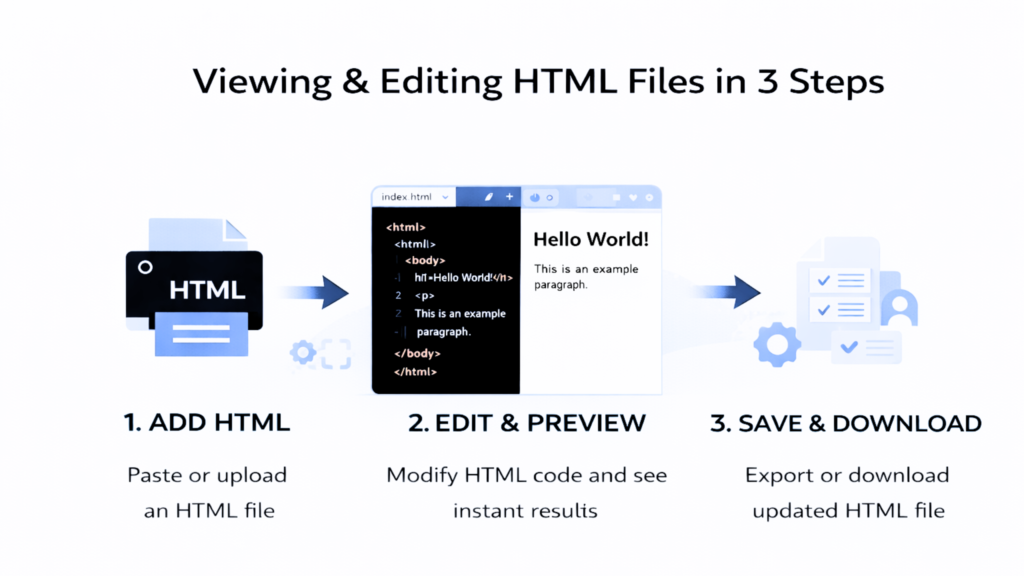
How Does the HTML File Viewer & Editor Work?
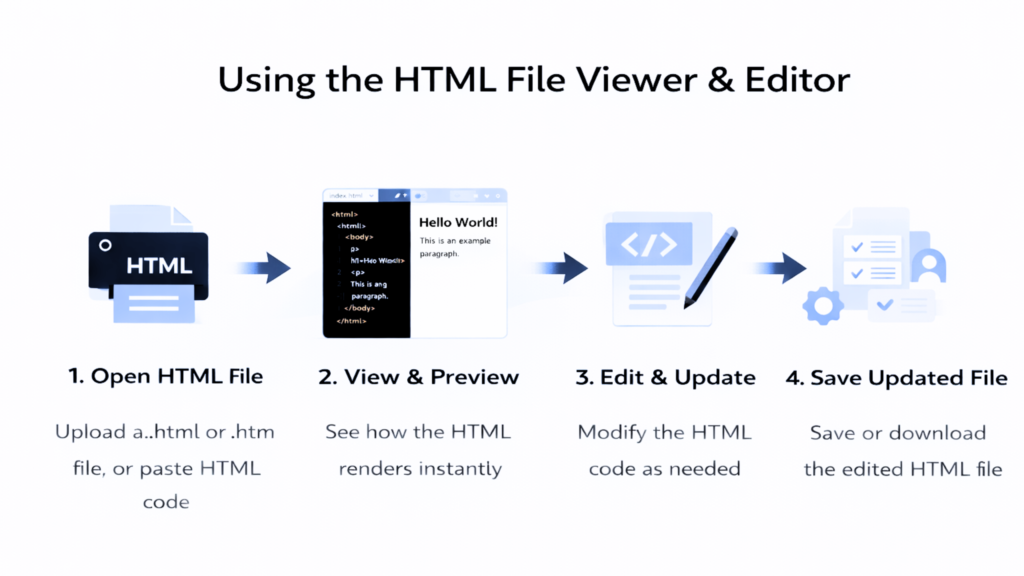
- Using the HTML File Viewer & Editor is simple and doesn’t require any technical setup. Just follow these steps:
- Open your HTML file by uploading an
.htmlor.htmfile, or paste HTML code directly into the editor - View the rendered output instantly alongside the code to see how the HTML appears visually
- Edit the HTML code as needed and watch the changes update in real time
- Save or download the updated HTML file once you’re done editing
Features – HTML File Viewer & Editor
Instant HTML Preview
View how your HTML file renders visually as soon as you load it. The live preview helps you understand layout and structure without opening a separate browser tab.
Built-in Code Editor
Edit HTML code directly inside the tool. Make quick changes, fix markup, or test ideas without switching to a full development environment.
Real-Time Updates
Any change you make in the editor is reflected immediately in the preview. This makes it easy to experiment, learn, and debug HTML content.
HTML File Upload & Paste Support
Open .html or .htm files from your device, or simply paste HTML code into the editor. Both options work seamlessly.
Browser-Based & Secure
Everything runs locally in your browser. Your files are not uploaded or stored on any server, keeping your work private and secure.
Easy Save & Download
After editing, you can save or download the updated HTML file instantly, making it simple to continue working offline or share with others.
Where Can You Use an HTML to Image Converter?
Quick HTML File Review
Open and view HTML files instantly to check structure, layout, or content without launching a full code editor or browser setup.
Learning & Practicing HTML
Students and beginners can use the tool to experiment with HTML code and see real-time results, making it easier to understand how HTML works.
Testing Layout Changes
Preview how small HTML changes affect the layout before applying them to a live website or project.
Making Small Code Fixes
Fix broken tags, update text, or make minor layout changes quickly without switching to complex development tools.
Content Editing & Updates
Content editors can modify HTML-based pages, update text, or adjust structure without needing technical software or developer assistance.
Sharing & Collaboration
Review and edit HTML files before sharing them with teammates, clients, or collaborators to ensure everything looks correct.