Have you ever created a beautiful webpage or document in HTML and needed to share it as a professional, fixed-format file? Maybe for a report, a resume, a project submission, or to archive web content exactly as you designed it? If so, you’ve come to the right place.
Converting HTML files to PDFs is a quick and reliable solution for preserving the layout, fonts, and images of your web content in a universally accepted format. PDFs are the standard for document sharing, printing, and archiving across all platforms—whether you’re submitting work online, sharing with colleagues, or storing important records.
Today, several online methods can handle this conversion, but finding the right tool that balances ease of use, quality, and control can be tricky. That’s why we’ve put together this guide—to walk you through the best ways to convert HTML to PDF, with a special focus on a powerful and user-friendly tool: HTML To PDF Converter by htmltopdf.live.
Let’s explore the why, the how, and the best practices for turning your HTML into polished PDFs.
Why Convert HTML to a PDF Document?
Converting an HTML file to a PDF offers several key advantages that make it a go-to choice for professionals, students, and everyday users alike.
- Preserved Formatting & Layout: HTML can look different across browsers and devices. A PDF ensures your design—including fonts, spacing, images, and structure—looks the same everywhere it’s opened.
- Universal Accessibility: PDF is one of the most widely supported file formats. Virtually any computer, smartphone, or tablet can open a PDF without needing specific software or an internet connection.
- Professional Sharing: PDFs are the standard for official documents, contracts, portfolios, and resumes. Converting your HTML work to PDF gives it a finished, professional appearance.
- Enhanced Security: PDF files support features like password protection, encryption, and editing restrictions, which are not natively available in HTML files viewed in a browser. This helps keep sensitive information secure.
- Optimized for Printing: PDFs are designed with precise page sizing, margins, and orientation controls, making them ideal for creating physical copies that match your digital intent perfectly.
Given these benefits, it’s clear why converting HTML to PDF is a valuable skill. But where is it most useful? Let’s look at some real-world applications.
Use Cases for Converting HTML to PDF
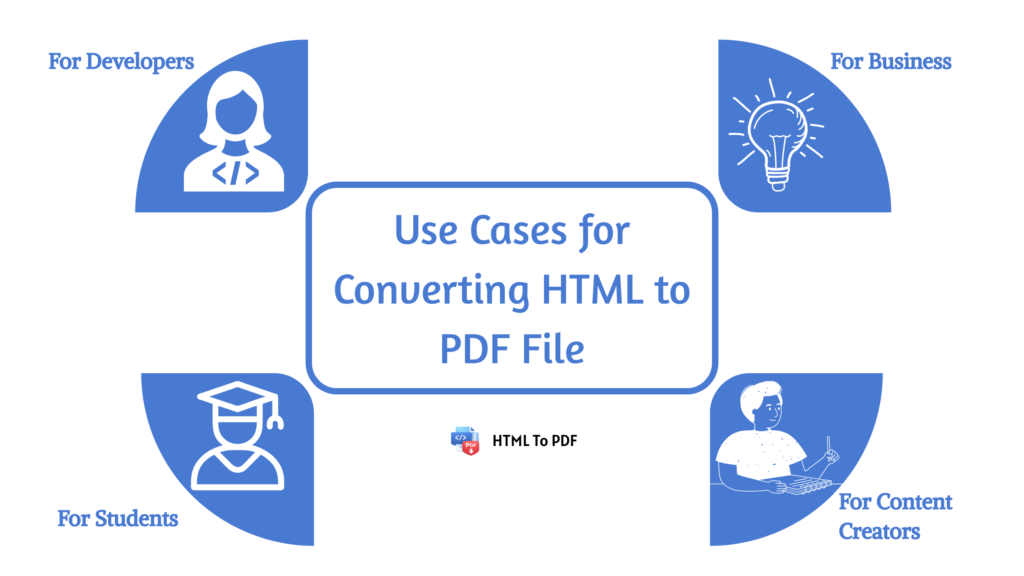
For Developers & Designers: Web developers and designers often need to create client reports, project documentation, or design mockups in HTML for interactive previews. Converting these to PDF provides a static, shareable snapshot for approval, archiving, or delivery that won’t change based on browser updates or screen size.
For Students & Educators: Students can convert their HTML-based projects, research papers, or digital notes into PDFs for submission to learning management systems (LMS) like Moodle or Canvas, which often prefer or require PDF formats. Educators can also archive web-based learning materials as PDFs for offline distribution.
For Business & Administration: Businesses generate invoices, newsletters, and reports in HTML for email campaigns or internal dashboards. Converting these to PDF creates official, non-editable records for accounting, compliance, or formal communication with partners and clients.
For Content Creators & Bloggers: Writers and bloggers might want to offer their online articles as downloadable PDFs for readers who prefer offline reading or wish to compile content into an eBook-style format. This enhances user experience and content portability.
How to Convert HTML into a PDF File Online?
Now, let’s get to the core of this guide: the conversion process. While you could manually “print to PDF” from a browser, this method offers limited control over advanced settings like margins, page size, and specific elements. For a professional, customizable, and batch-friendly conversion, using a dedicated online tool is superior.
We recommend using the HTML To PDF Converter tool available at htmltopdf.live. It’s designed to be intuitive, feature-rich, and fast, providing a seamless experience from your HTML code to a ready-to-use PDF.
Using the HTML To PDF Converter Tool
This tool provides two flexible input methods: uploading an .html or .htm file, or pasting raw HTML code directly. It also gives you full control over the PDF output settings with a live preview.
Follow these simple steps:
- Navigate to the Tool
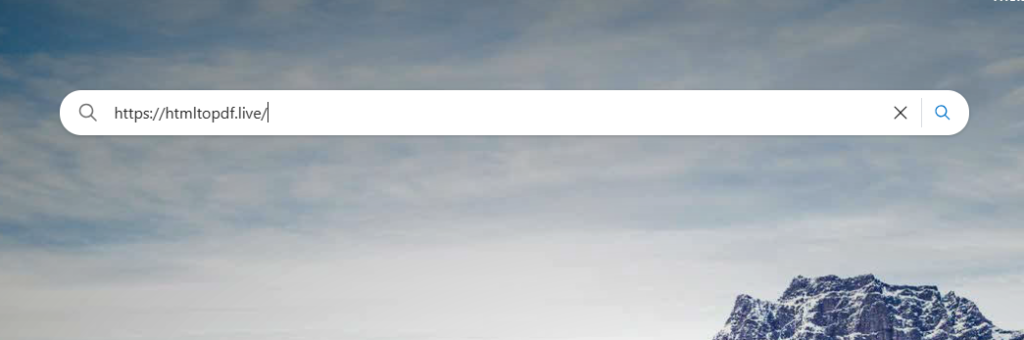
Open your web browser and go to htmltopdf.live.
2. Input Your HTML
Method A
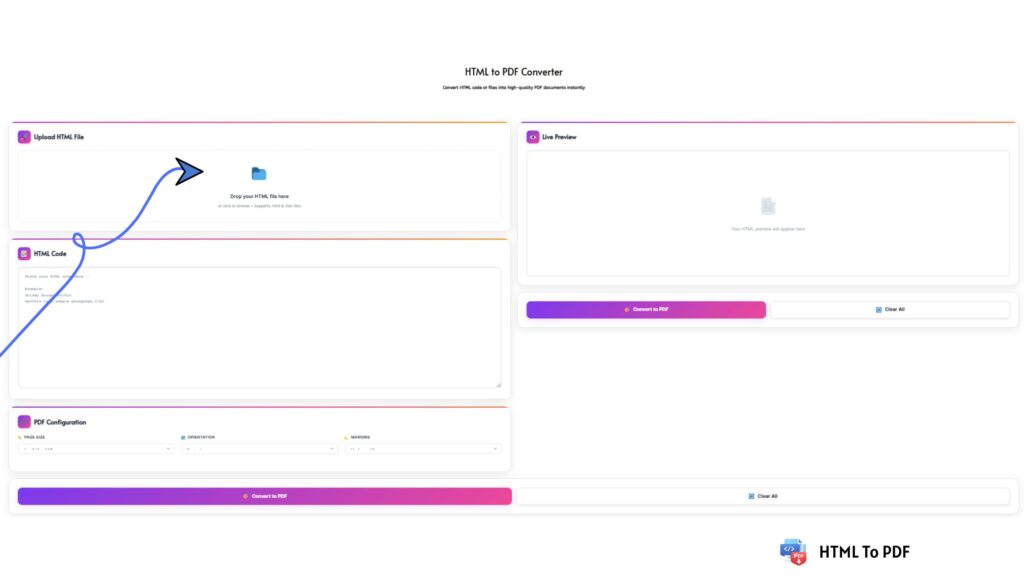
Upload a File: Click the “Browse” button or drag and drop your .html or .htm file directly into the upload area.
Method B
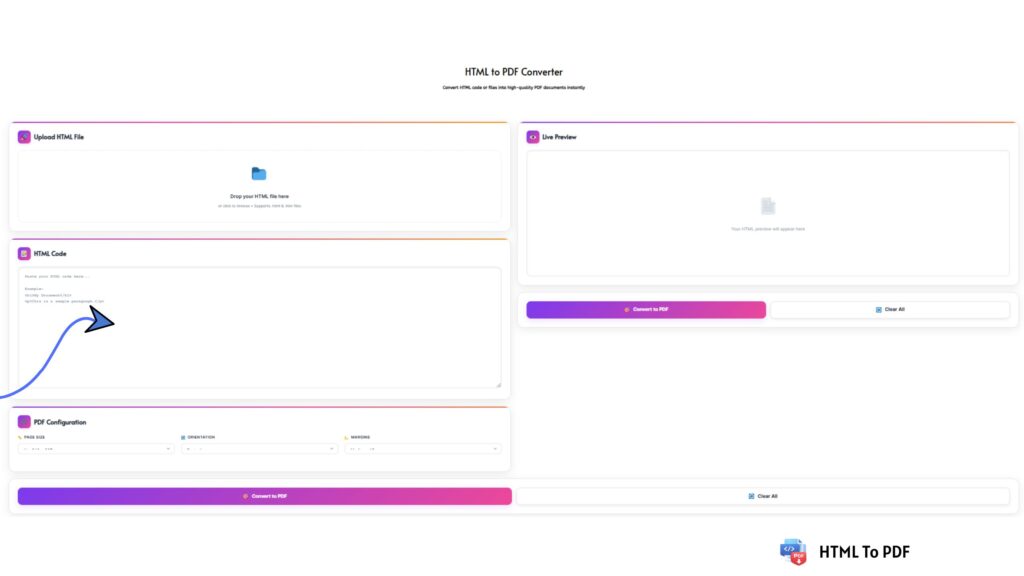
Paste Code: If you prefer working with code, paste your raw HTML directly into the “HTML Code” text box. You can use the provided example as a template.
Configure Your PDF (Optional but Recommended):
Use the settings panel to tailor the PDF to your needs before conversion.
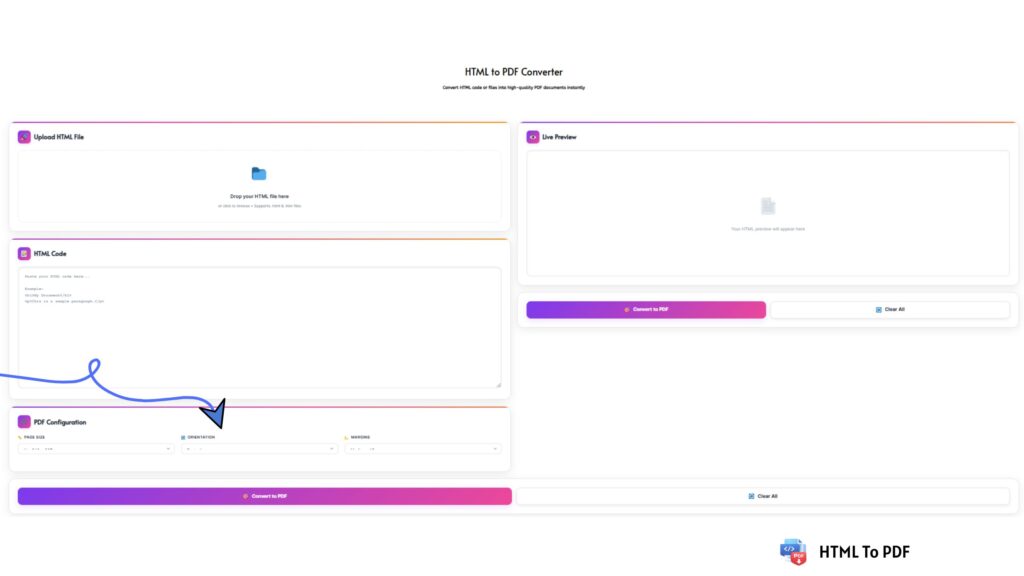
- Page Size: Select from standard sizes like A4, Letter, or Legal.
- Orientation: Choose between Portrait (vertical) or Landscape (horizontal).
- Margins: Set the margin size to Small, Medium (15mm), or Large to control the spacing around your content.
Review with Live Preview:
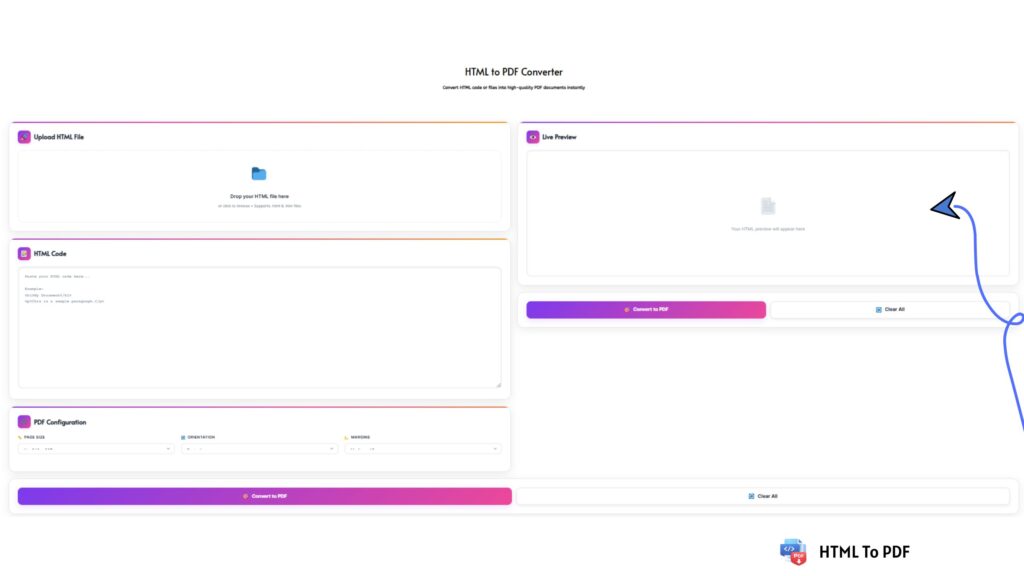
As you input your HTML or adjust settings, the Live Preview pane on the right will update in real-time. This lets you verify your content and formatting looks perfect before creating the final PDF.
Generate Your PDF:
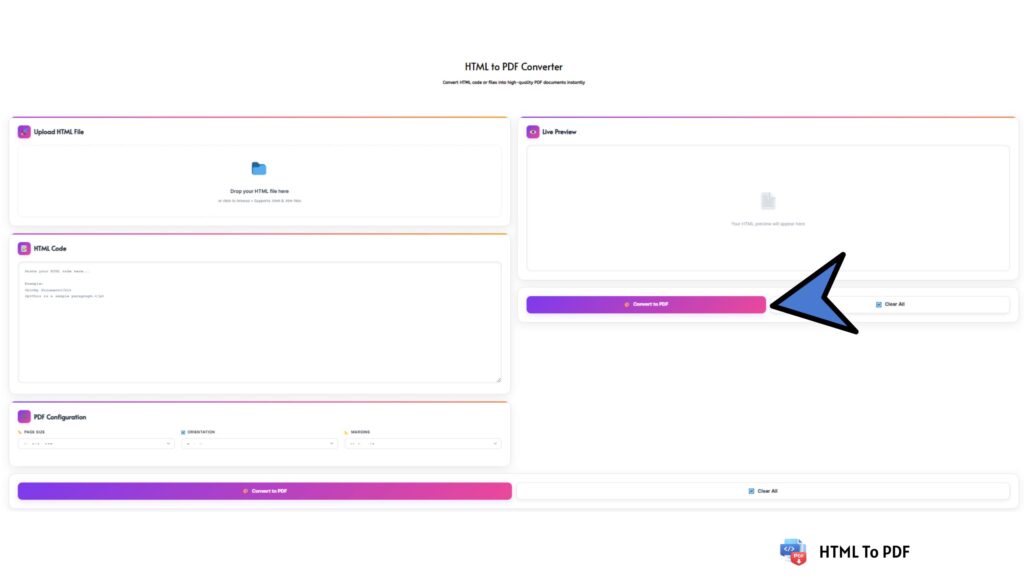
Once satisfied, click the prominent “Convert to PDF” button. The tool will process your HTML and generate a high-quality PDF file.
Download Your File:
After a brief moment, your PDF will be ready. Click the “Download” button to save the file to your computer, phone, or tablet.
Start Anew (Optional):
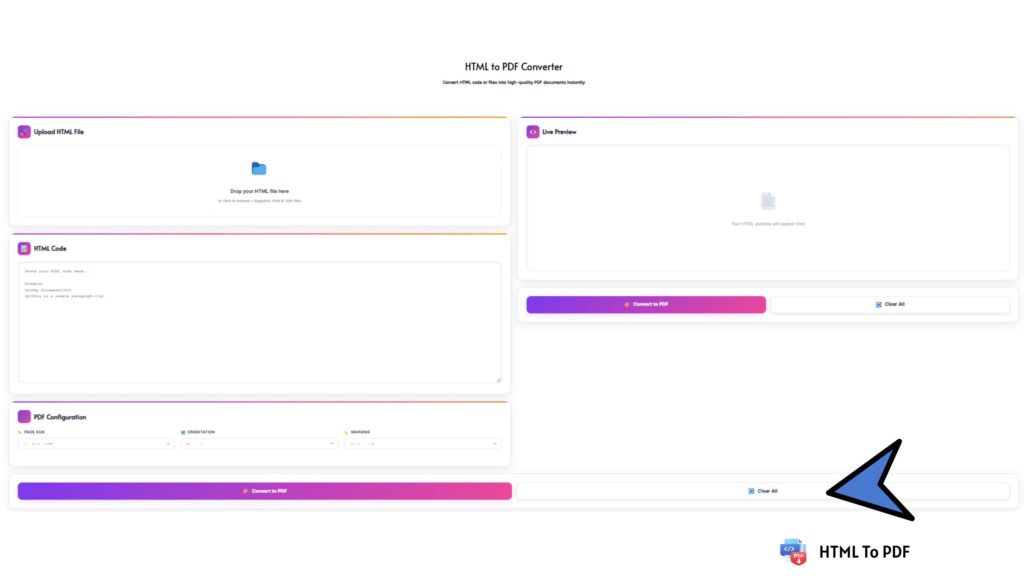
Need to convert another file? Simply click the “Clear All” button to reset the tool and begin a fresh conversion.
And that’s it! In just a few clicks, you’ve transformed your dynamic HTML into a portable, professional PDF document.
Final Thoughts
Converting HTML files to PDF online is an essential process for anyone who works with digital content. It bridges the gap between flexible web design and the need for stable, presentable, and secure document formats.
Tools like the HTML To PDF Converter at htmltopdf.live simplifies this task immensely. By offering dual input methods, customizable PDF settings, and a real-time preview, it puts you in complete control of the final output, ensuring it meets professional standards every time.
Whether for work, study, or personal projects, mastering this conversion empowers you to share and preserve your digital work with confidence and clarity.