HTML to Image Converter
Convert HTML code or files into high-quality images in PNG, JPG, JPEG, and WebP formats – instantly in your browser.
Upload HTML File
HTML Code
Image Configuration
Live Preview
Convert HTML content into high-quality images in just a few clicks. Whether you are working with raw HTML code, saved HTML files, or complete web layouts, this tool helps you generate clean and visually accurate images effortlessly. There’s no need for screenshots, browser extensions, or complex software — everything works instantly inside your browser.
Our HTML to Image converter renders your HTML with proper layout and styling, then exports it as an image exactly as shown in the live preview. It is ideal for developers, designers, marketers, students, and anyone who needs quick visual output from HTML content.
Most importantly, you can convert HTML to images online without worrying about compatibility or file structure. The tool supports standard HTML files and inline code, delivering fast and accurate image output every time.
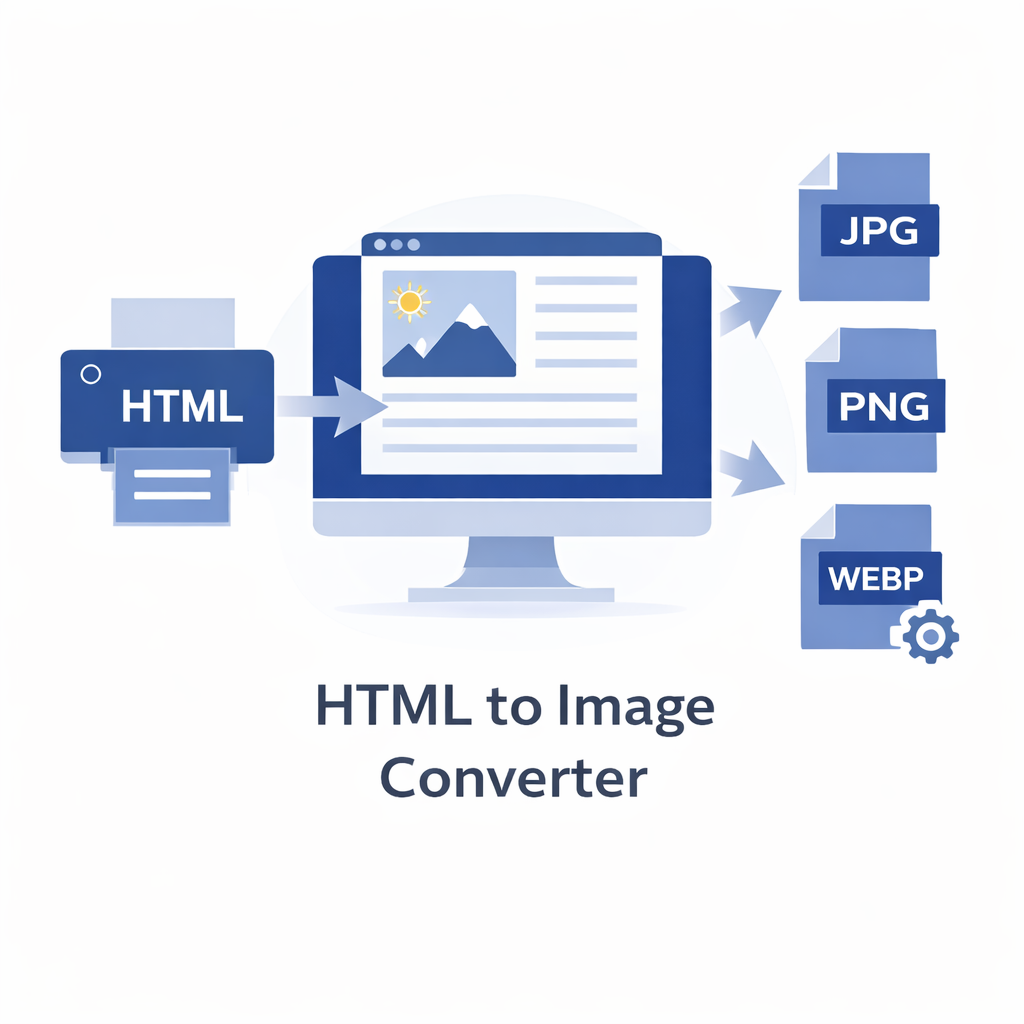
Working with HTML doesn’t always mean you need a document or an editable file. In many cases, what you really need is a clean visual output — and that’s where the HTML to Image Converter comes in. This tool allows you to turn HTML code or HTML files into high-quality images within moments, without relying on screenshots or third-party software.
The converter renders your HTML exactly as a browser would, capturing the layout, spacing, colors, images, and styling into a static image. This ensures the final output closely matches what you see in the live preview. Whether you’re creating visuals for presentations, social media, documentation, or design reviews, the tool adapts smoothly to different HTML structures.
Everything runs directly in your browser, so there’s no setup or compatibility issues to worry about. Simply add your HTML, preview the result, and download the image in your preferred format — quick, reliable, and hassle-free.
How Does the HTML to Image Conversion Work?
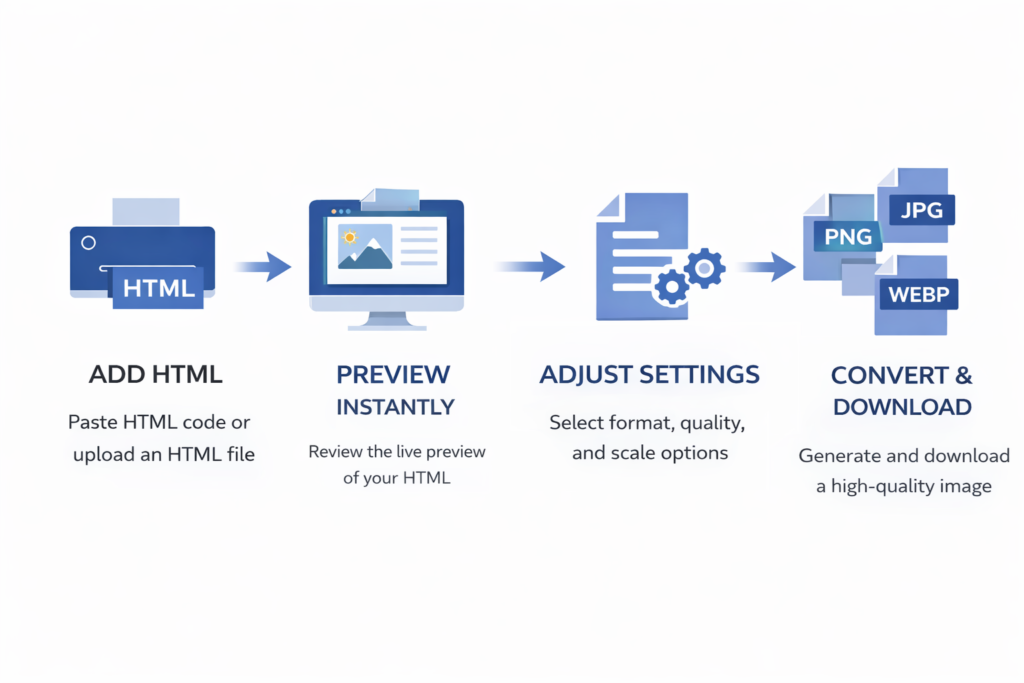
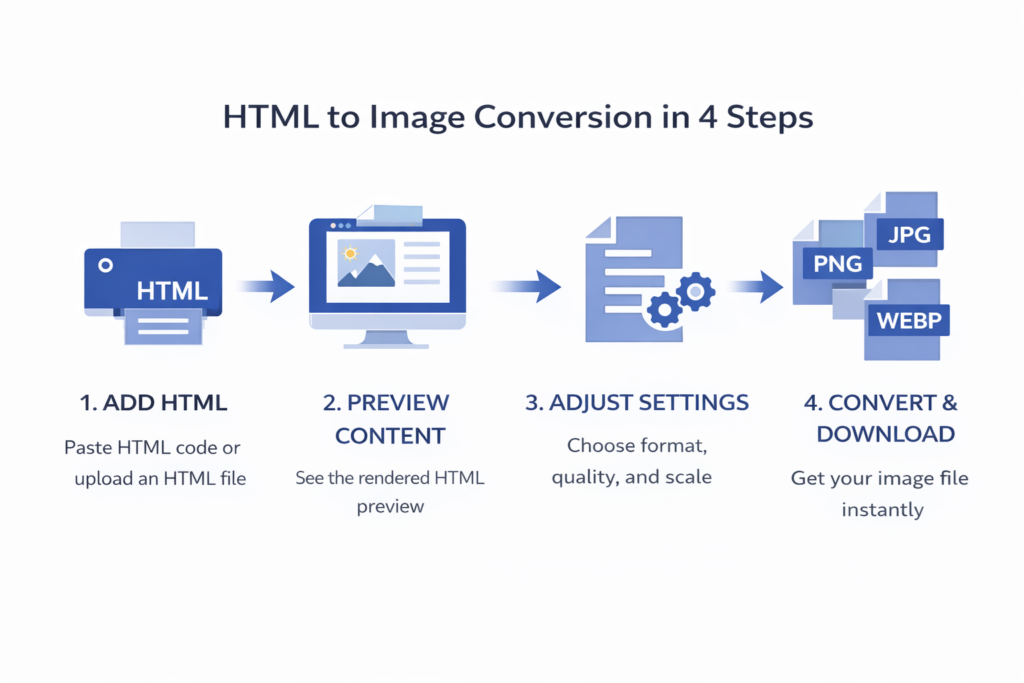
The process is simple and requires no technical expertise. Just follow these steps:
- Add your HTML by pasting the code or uploading an
.htmlor.htmfile - Review the rendered output using the built-in live preview
- Choose image options such as format, quality, and scale
- Click Convert to Image and download your image instantly
Features – HTML to Image Converter
Multiple Image Formats
Download your converted output in popular image formats including PNG, JPG, JPEG, and WebP, ensuring compatibility across devices and platforms.
Live Preview
Preview your HTML content in real time before conversion. What you see in the preview is exactly what you get in the final image.
Quality & Scale Control
Adjust image quality and scaling options to generate high-resolution images or optimized lightweight files based on your needs.
Drag & Drop File Upload
Easily drag and drop your HTML or HTM files, or upload them directly from your device. You can also paste raw HTML code into the editor.
Instant Download
Once the conversion is complete, your image is available for instant download – no waiting, no extra steps.
Browser-Based & Secure
All conversions happen directly in your browser. No files are uploaded to any server, keeping your content private and secure.
Where Can You Use an HTML to Image Converter?
Web Design & UI Previews
Designers and developers often need visual previews of HTML layouts. An HTML to Image converter lets you turn HTML designs into image files that can be shared, reviewed, or archived without requiring a browser.
Social Media & Marketing Content
HTML-based banners, cards, or layouts can be converted into images for easy sharing on social media platforms, ads, presentations, or promotional materials without layout distortion.
Documentation & Tutorials
When creating guides, tutorials, or technical documentation, converting HTML snippets into images helps present examples clearly. Images are easier to embed in blogs, PDFs, and learning materials.
Presentations & Reports
HTML content can be converted into images and used directly in slides, reports, or pitch decks. This ensures consistent visuals across different devices and software.
Archiving Web Content
If you need to preserve the visual appearance of a web page or HTML layout, converting it into an image is a reliable way to store or reference the design later without depending on external styles or scripts.
Sharing Static Visuals
Images are universally supported. By converting HTML to image formats like PNG, JPG, or WebP, you can share static visuals via email, messaging apps, cloud storage, or collaboration tools without compatibility concerns.